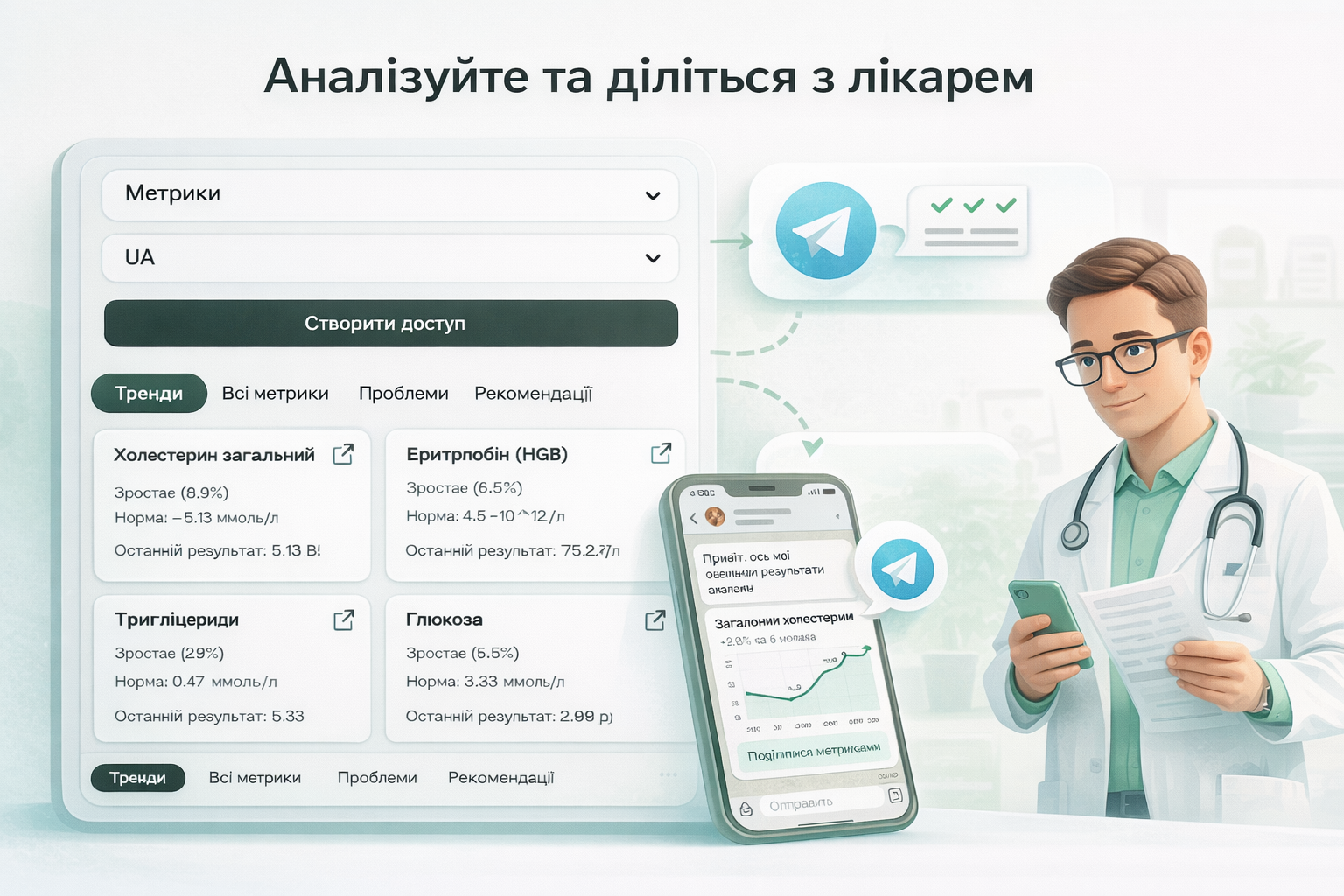
How MedLogs works: logs, metrics, trends, reminders
A quick, practical walkthrough for new users.
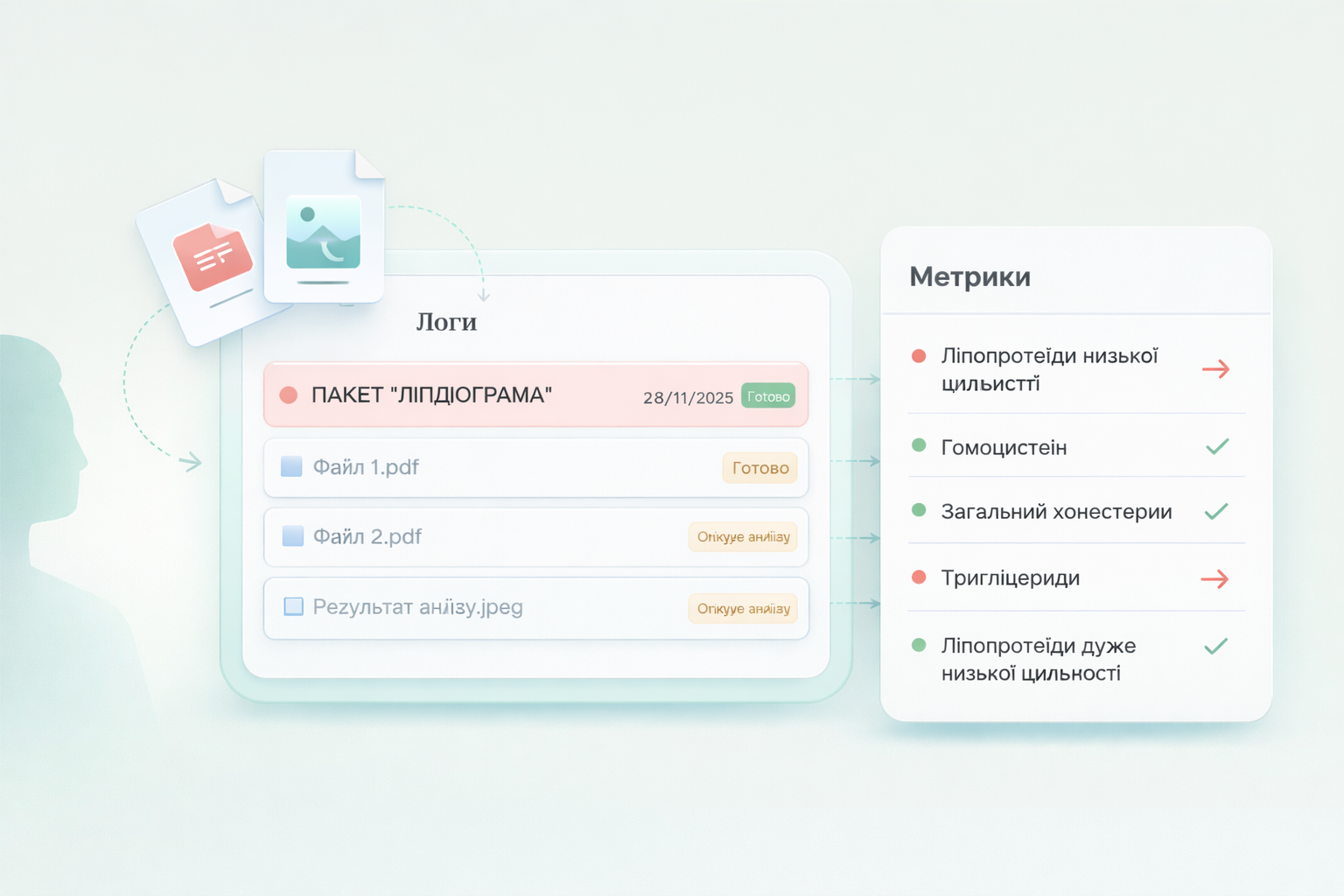
1. Add test results
Create a separate log for each checkup or medical report. Upload a PDF or photo — the system automatically recognizes metrics, units, and ranges. If needed, you can add or correct values manually.
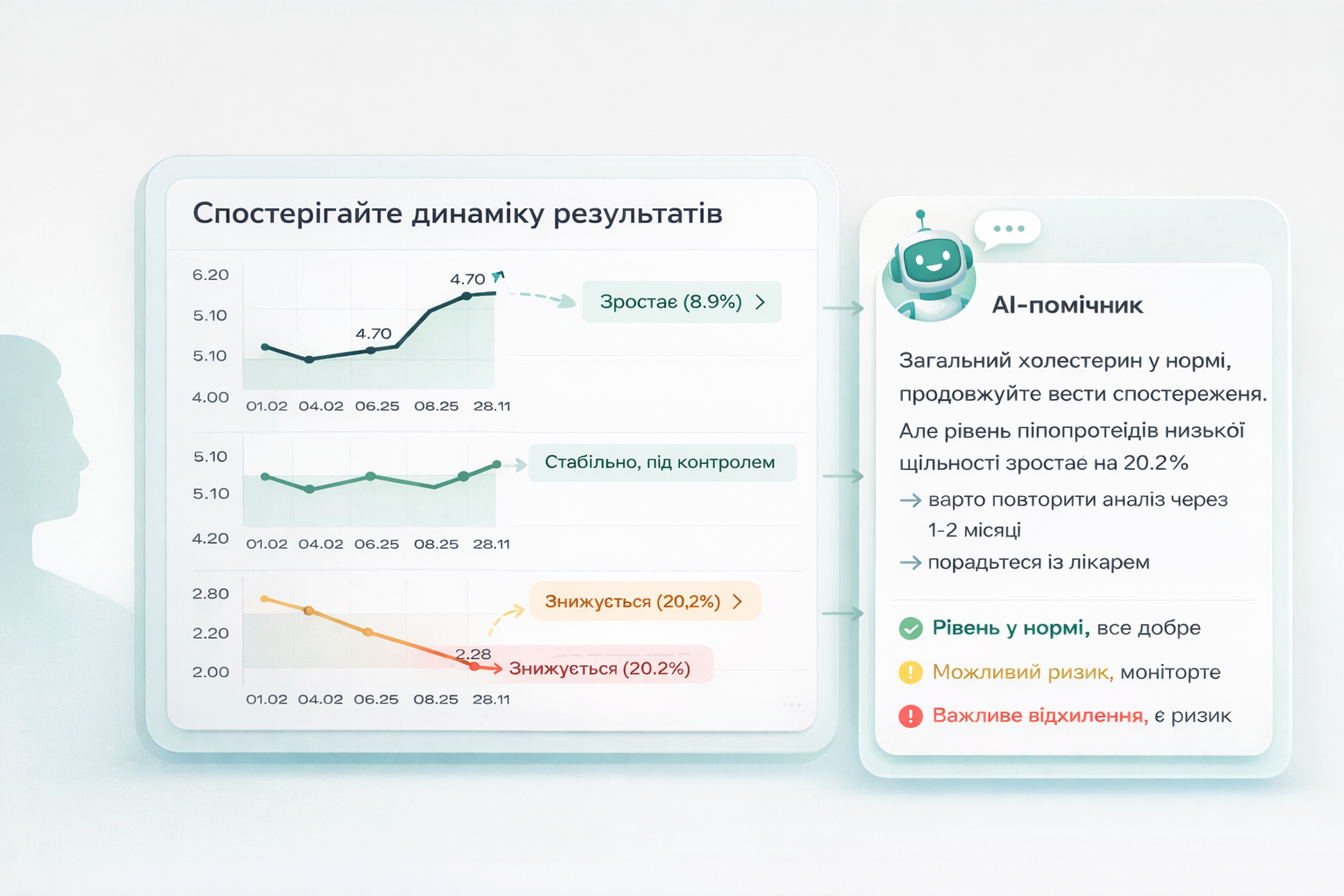
2. Track dynamics and trends
MedLogs shows how your metrics change over time — in charts and in a clear summary. AI explains the results, highlights important changes, and helps you understand your health status.
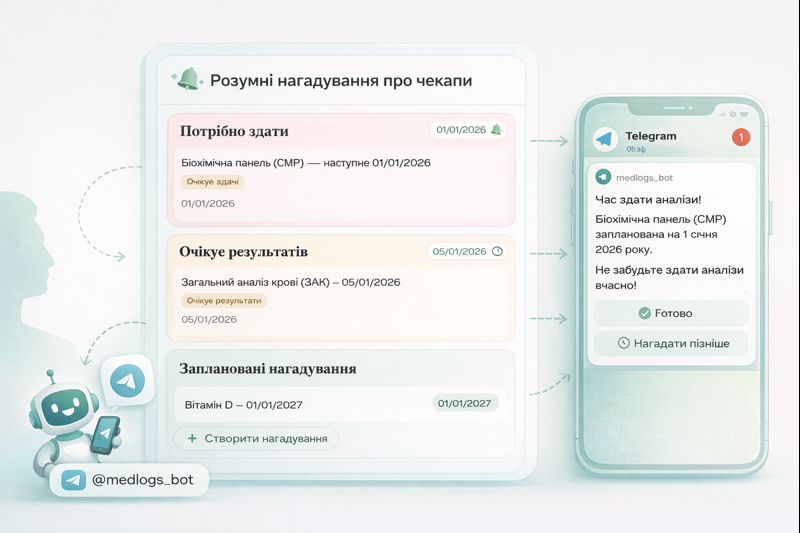
3. Smart checkup reminders
The system reminds you when it’s time to repeat tests and lets you set custom reminders. The Telegram bot helps you log new results on time so no important checkup is missed.
4. Analyze and share with your doctor
Review key trends and flagged metrics in one place. When needed, share a clear report with your clinician or via a private link.